 AirPower
Advanced Sync Settings: Trigger Link, Priority, Matching, and More
Advanced Shopify Airtable sync settings: start syncs from Zapier or a cron job, set priority, change the Shopify ID column, duplicate, clear errors, or delete.
Most syncs run fine with the settings from setup. A few situations call for more control: starting a sync from another tool, running one sync ahead of the others, or moving a sync to a different base.
These controls live in a sync’s Settings tab. Each one says what it changes, so you can adjust a sync without guessing at the effect.
Open Settings
- On the dashboard, click Edit on the sync
- Click Settings
The sections on the left jump to When it syncs, Connection, Download data, Linked tables, and Manage. Download data is only on Shopify to Airtable syncs.
Start a sync from another tool
Airtable to Shopify syncs have a trigger link under When it syncs > Start it from another tool. Opening the link starts the sync, the same as Sync now.
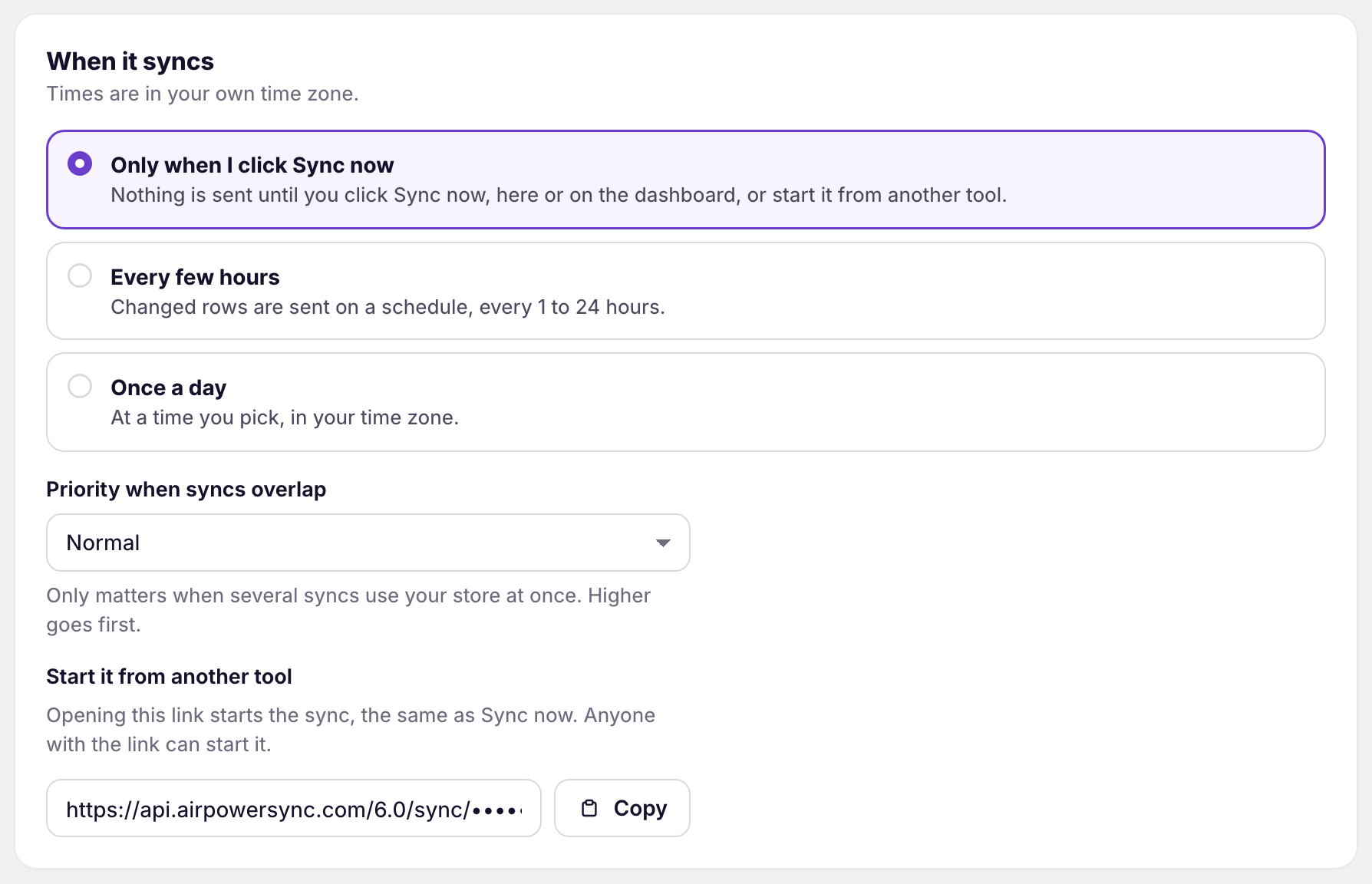
Click Copy to copy the link. The dashboard sync card’s ⋯ menu also has Copy trigger link.
Common ways to use it:
- A cron service: open the link on a fixed schedule
- Zapier or Make: open the link when something happens, such as a form submission
- Your own script: open the link after another job finishes
Anyone with the link can start the sync. Keep it private, the same as a password.
Set the priority
Priority when syncs overlap, under When it syncs, decides which sync goes first when several syncs use your store at once. High goes ahead of Normal. A high-priority sync shows a High priority tag on its dashboard sync card.
Change the connection
Connection holds the sync’s name, store, and base.
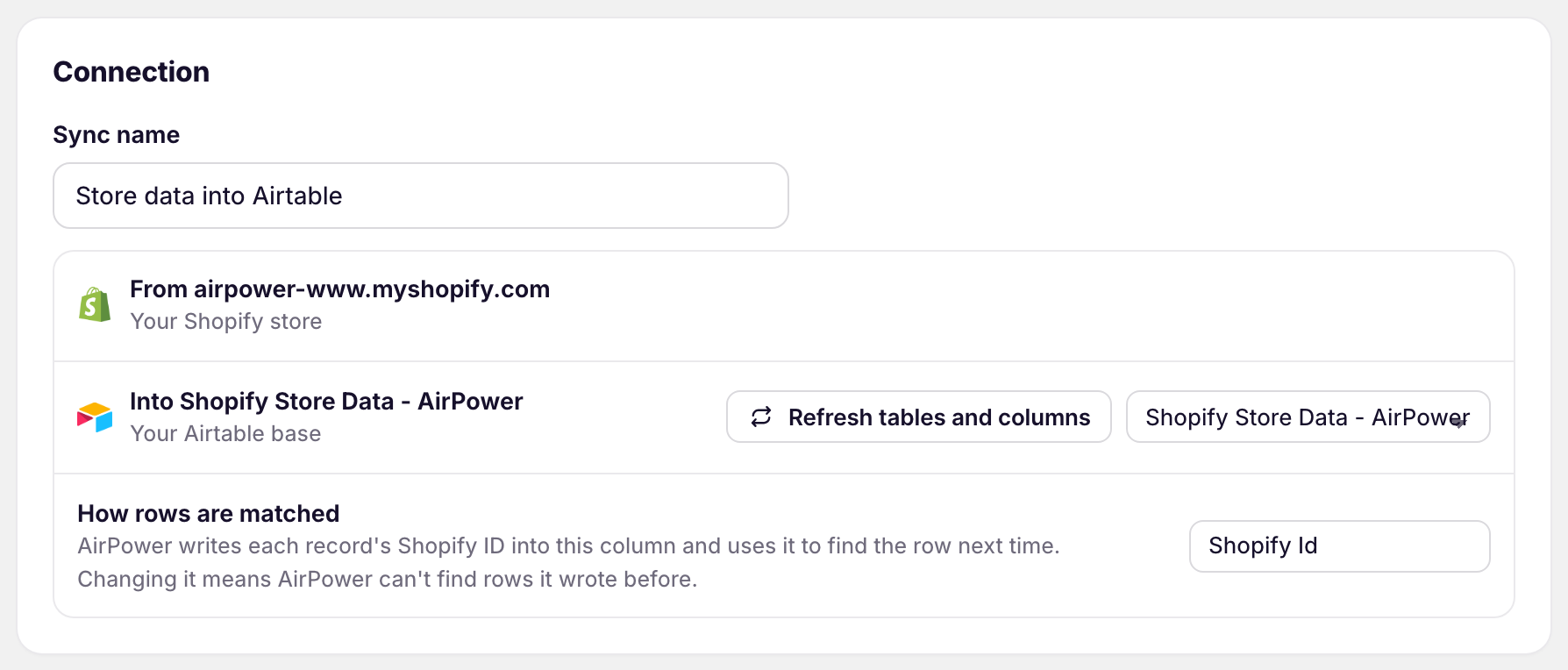
Sync name
The name on the dashboard sync card.
Refresh tables and columns
Reads the base again after you add or rename tables and columns in Airtable.
Your Airtable base
Pick another base from the list next to Refresh tables and columns to point the sync at it. The sync then uses that base’s tables.
How rows are matched
The column that holds each record’s Shopify ID, Shopify Id by default. AirPower uses it to find each record’s row. Changing it means AirPower can’t find the rows it wrote before. See Set up the Shopify ID column.
A sync’s direction can’t be changed. To sync the other way, create a new sync.
Manage the sync
Manage holds actions for the whole sync.
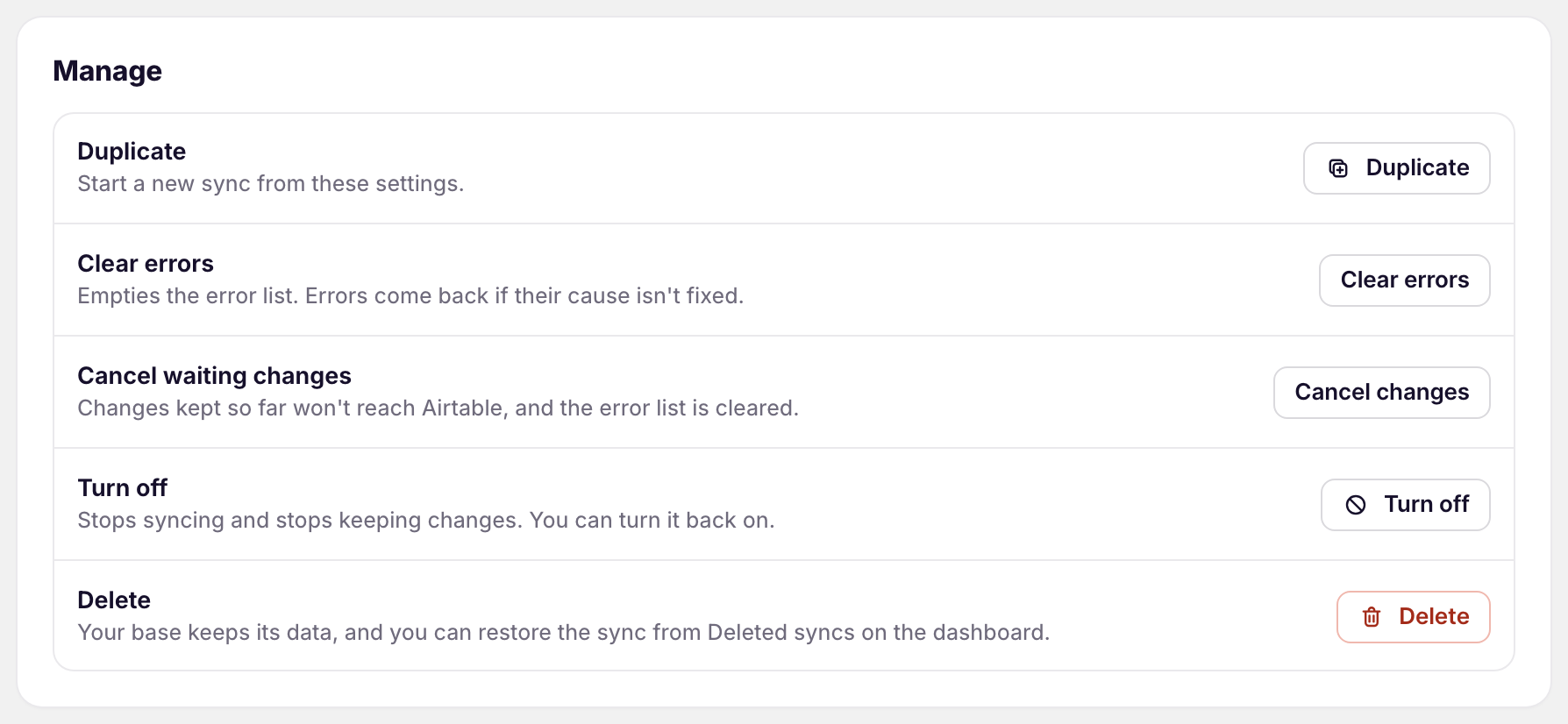
Duplicate
Starts a new sync from these settings, in the same direction. The copy runs on its own, so you can change it without affecting the original.
Clear errors
Empties the error list. Errors come back if their cause isn’t fixed.
Cancel waiting changes
For Shopify to Airtable, the changes kept so far won’t reach Airtable. For Airtable to Shopify, runs that haven’t started are cancelled. Both clear the error list. Click Cancel changes to confirm.
Turn off and Turn on
Turning off stops syncing and stops keeping changes. Turning on starts the sync again, without the changes made while it was off. See Pause, resume, and turn off syncs.
Delete
Stops the sync and removes it from the dashboard. Your base keeps its data, and you can restore the sync from the deleted syncs link at the bottom of the dashboard.
Related pages
Still stuck?
Email the team and tell us which store and which Airtable base you're working with.