 AirPower
Manage Shopify Collections' Products with Airtable
Add products to Shopify manual collections, or take them out, in bulk by editing the linked Collections column in Airtable.
In Shopify, a manual collection is a hand-picked group of products. Its products are managed inside each collection, by adding or removing them one at a time in the Shopify admin.
For seasonal sets, featured groupings, or rotating campaigns, curating manual collections this way is slow. Keeping track of which product sits in which collection is hard too.
AirPower syncs Products and Collections to linked Airtable tables. Edit the Collections column on a product row to add the product to collections or take it out. When the sync runs, Shopify updates the collections to match.
Before you start
Your Airtable to Shopify sync needs Products and Collections tabs, each on its own table, with a linked-record column between them. On the Products tab, Collections in the Product organization card shows that column.
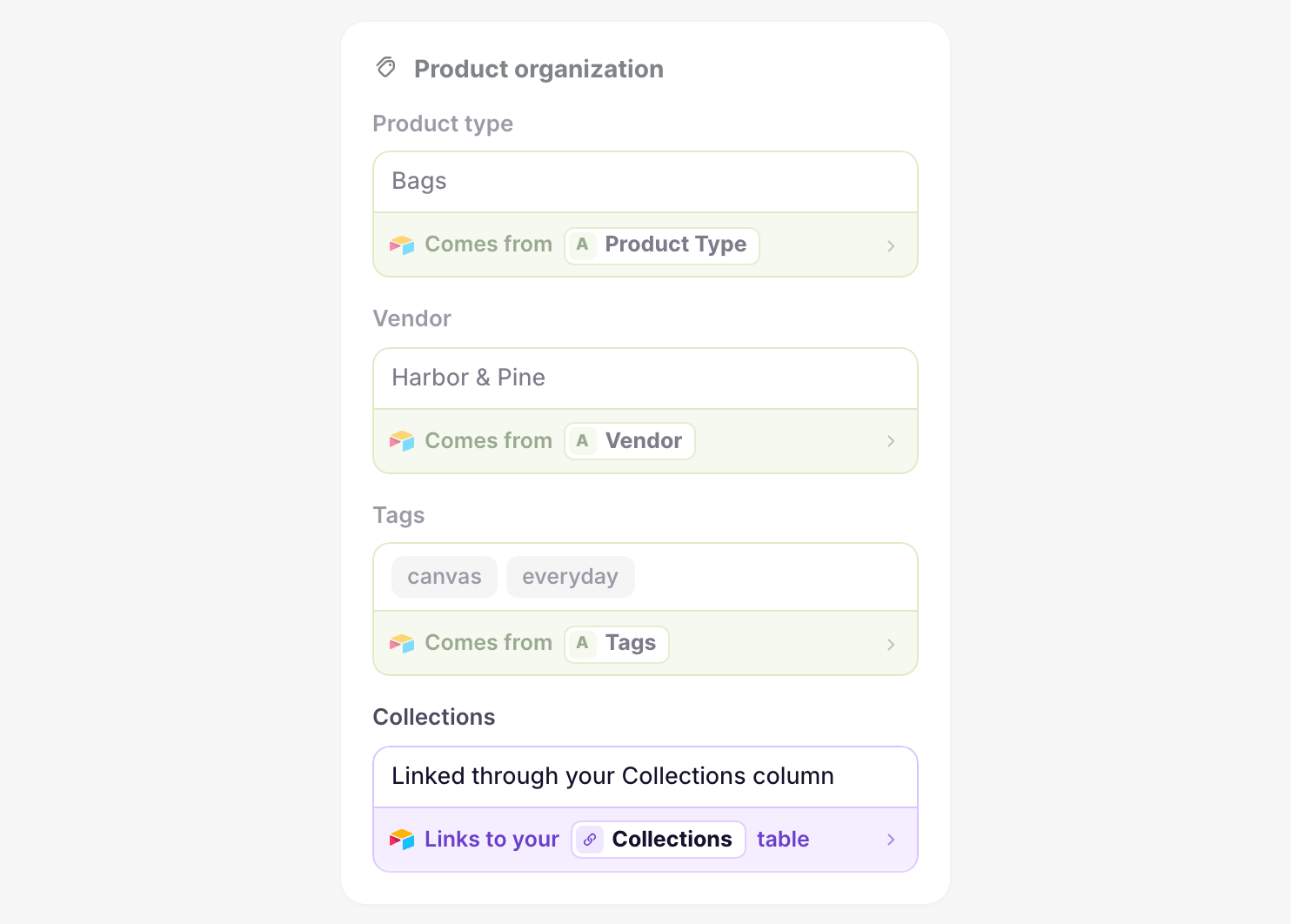
In Settings, under Linked tables, keep Products → Collections and Collections → Products switched on. The sync changes products in collections only when both links are on. See Linked-record columns.
Add or remove a product
- Open your Products table in Airtable
- Find the product’s row
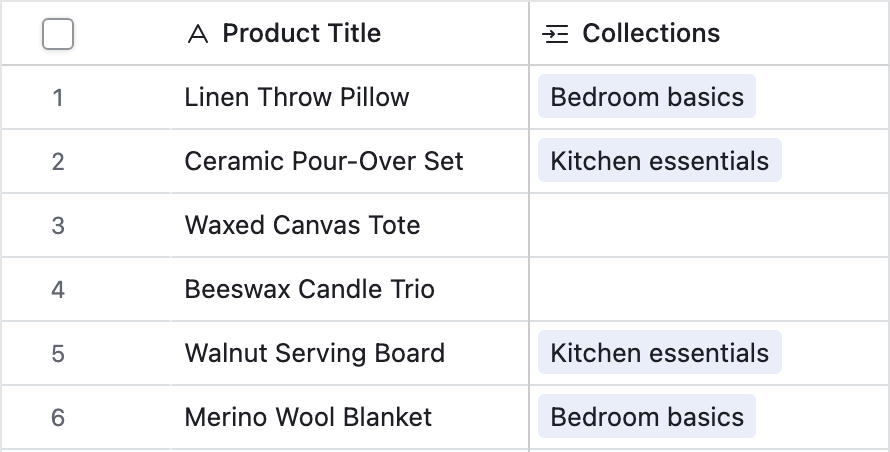
- In the Collections column, add or remove collections
- On the dashboard, click Sync now on your Airtable to Shopify sync
Editing the Products column on a collection row works the same way, because both columns hold the same links.
If Shopify turns down a change, the sync page’s Errors tab lists the product’s row with the reason.
Automated collections
Automated collections pick their products by rules, such as a tag or product type. The sync leaves their products alone. To move a product in or out, change the field the rule uses, such as Tags.
What you’ll see after syncing
After an Airtable to Shopify run, each manual collection in the Shopify admin lists the products linked to it in Airtable. Products you unlinked no longer appear in it.
Related pages
Still stuck?
Email the team and tell us which store and which Airtable base you're working with.