 AirPower
Translations + B2B companies + fulfillments + faster writes + guided setup
AirPower adds Shopify translations, B2B companies and fulfillments syncing, sales channel publishing from Airtable, faster writes, and a guided sync setup.
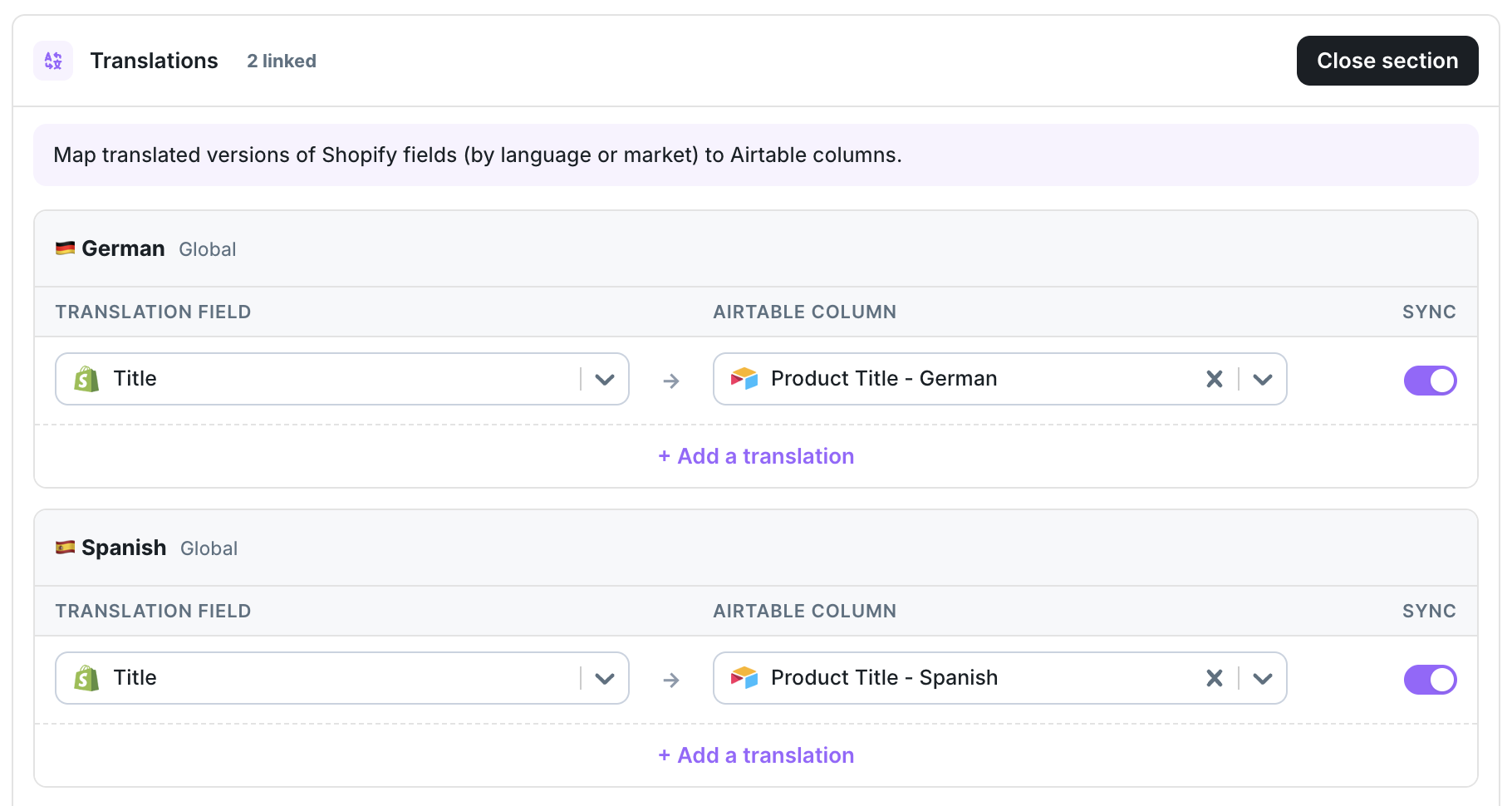
Translations syncing
You can now sync Shopify translations to and from Airtable, with language and market-aware mappings. Metafield translations can be mapped too.
Learn more in Sync Shopify translations and Sync metafield translations.
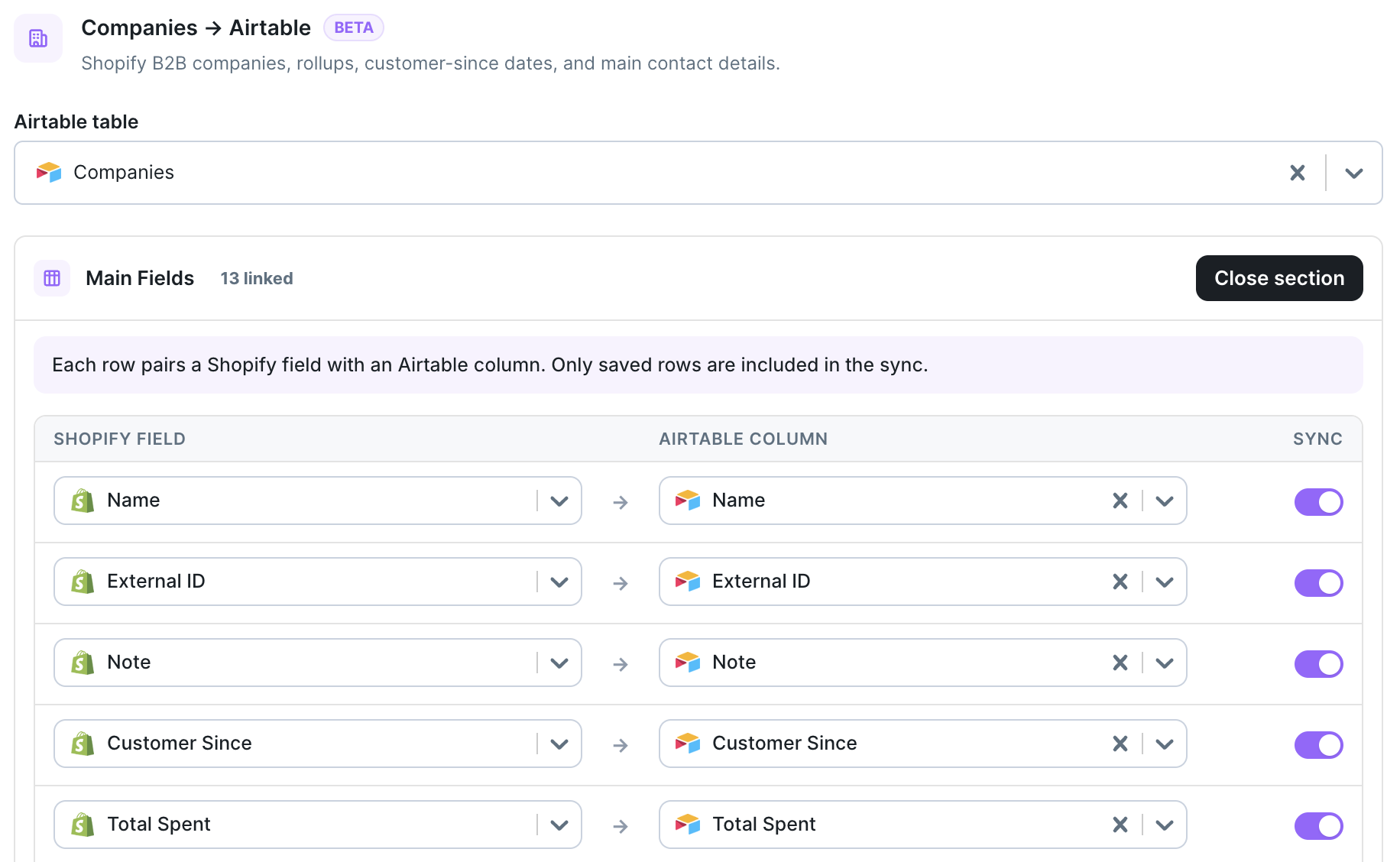
B2B companies and locations
AirPower now syncs Shopify B2B Companies and Company Locations. Import them into Airtable, edit in bulk, and push changes back to Shopify.
Learn more in Sync Shopify B2B companies.
Publish across every sales channel from Airtable
Publish and unpublish products across your Shopify sales channels directly from Airtable. This includes Online Store, Point of Sale, Google & YouTube, Facebook & Instagram, and other available Shopify publication channels.
Learn more in Publish and unpublish products.

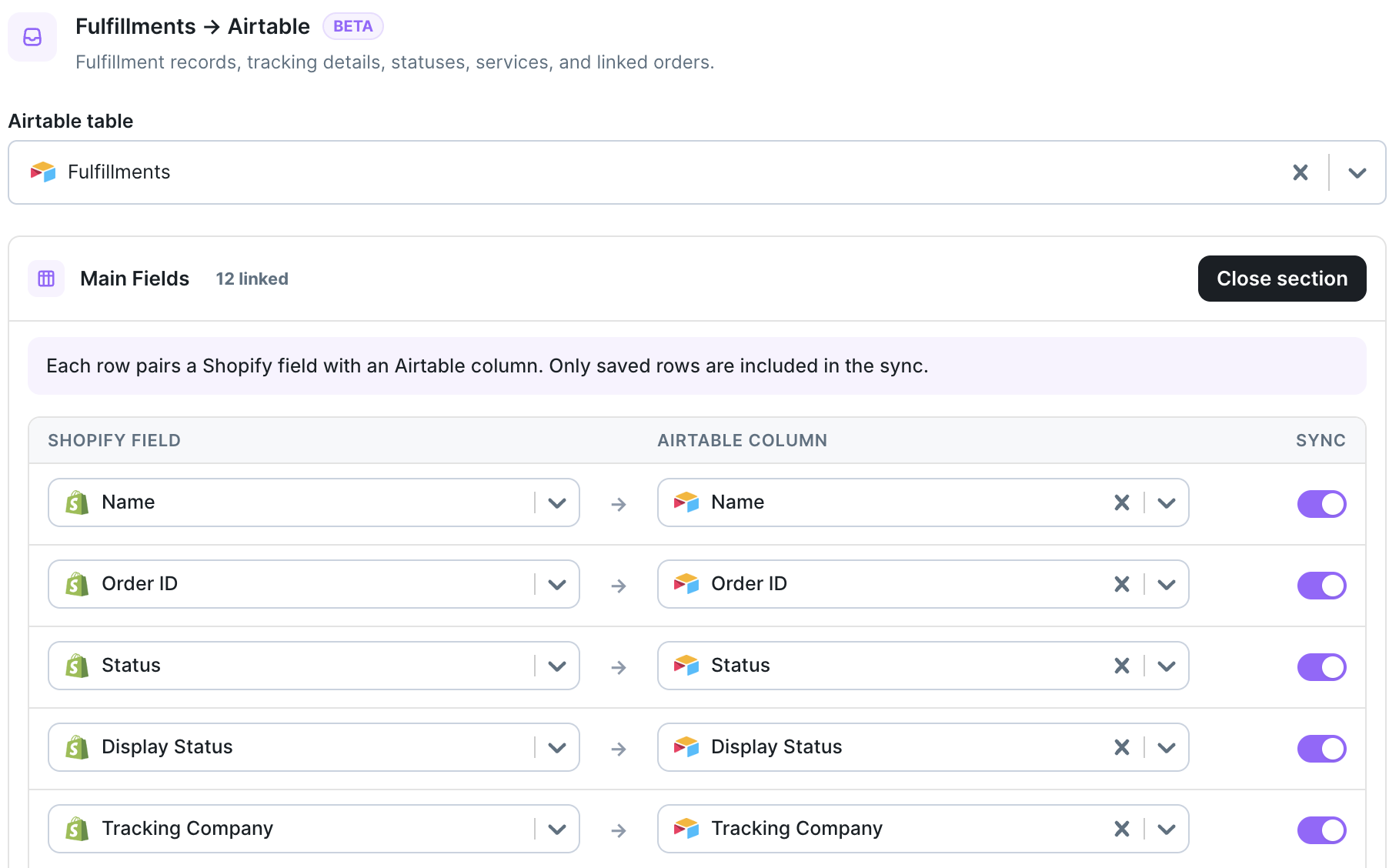
Fulfillments syncing
Bring Shopify Fulfillments and Fulfillment Line Items into Airtable for reporting and review.
Learn more in Sync Shopify fulfillments.
Import orders and refunds from a chosen date
You can now load orders and refunds into Airtable starting from a specific date. Pull in only the history you need instead of everything.
Learn more in Download Shopify data to Airtable.
Faster syncs to Shopify
Airtable → Shopify syncs are now much faster on repeat runs. Smart caching skips records that haven’t changed, so unchanged data isn’t sent to Shopify again.
Dashboard stats and clearer errors
Each dashboard sync card now shows recent sync volume and average task time, so you can see how a sync is performing at a glance.
Sync errors are easier to read, with clearer, more human-readable messages. Where possible, an error links directly to the affected Airtable records so you can find and fix them quickly.
Learn more in Your dashboard sync cards and Sync errors.
A simpler, guided setup
Setting up a sync is now a step-by-step flow. The new guided setup walks you through creating a sync and connecting your Airtable base.
AirPower can build a ready-to-use Airtable base for you during setup. It can also create any missing tables and columns straight from the sync configuration screen, so you don’t have to prepare your base by hand.
Learn more in Create your first sync and Create missing Airtable tables and columns.