AirPower makes it simple to manage and sync your Shopify B2B catalog prices with Airtable. Shopify stores B2B pricing at the variant level and inside specific B2B catalog price lists. AirPower brings this data into Airtable so you can edit prices in a spreadsheet-style workflow — then sync changes back to Shopify whenever you’re ready.
A sync profile defines what data syncs, in which direction, and from/to which table in Airtable.
B2B prices in Shopify belong to variants, not products. Even products with only one option always have a variant behind the scenes.
Before B2B pricing can sync, you must map:
AirPower will enable B2B pricing only after variant syncing is configured, because variants are required for pricing data.
Open the B2B Prices section in the sync profile. AirPower will automatically detect your Shopify B2B catalogs and price lists.
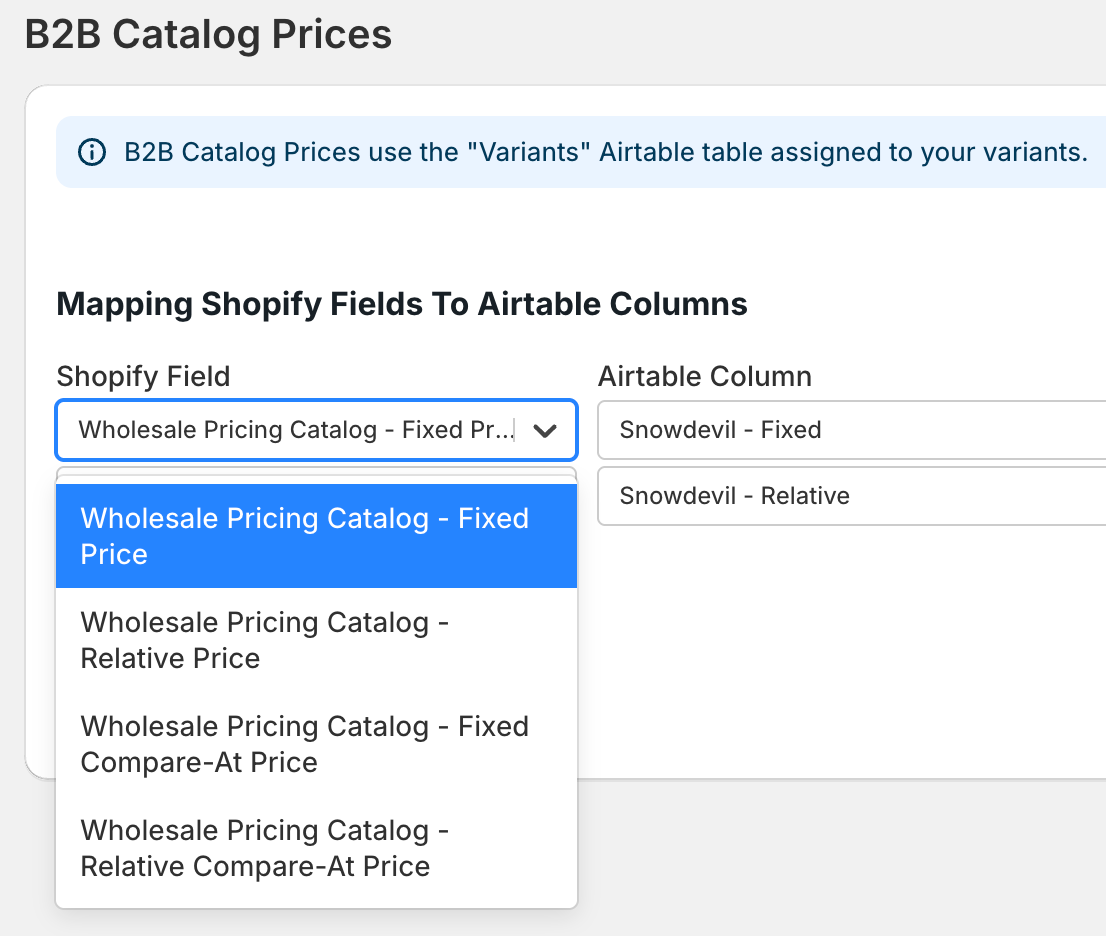
For each B2B price list, you may see fields such as:
Each field can be mapped to a column in the Variants table. If the column does not yet exist, AirPower will offer to create it.
Shopify does not push updates for B2B prices to AirPower automatically. Because of this, B2B prices must be refreshed manually.
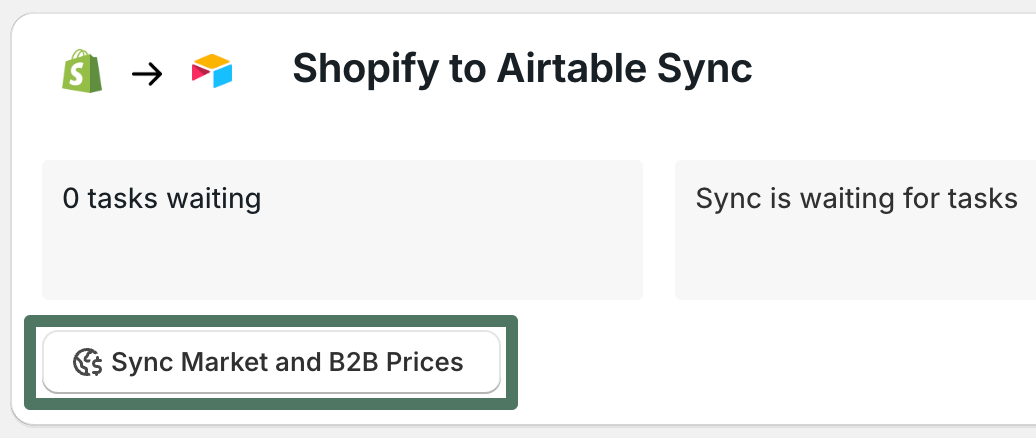
On your dashboard sync card, click Trigger manual sync task, then select Sync Market and B2B Prices.
This refresh fetches:
Once the sync runs, Airtable will show the latest B2B price list values in all mapped fields.
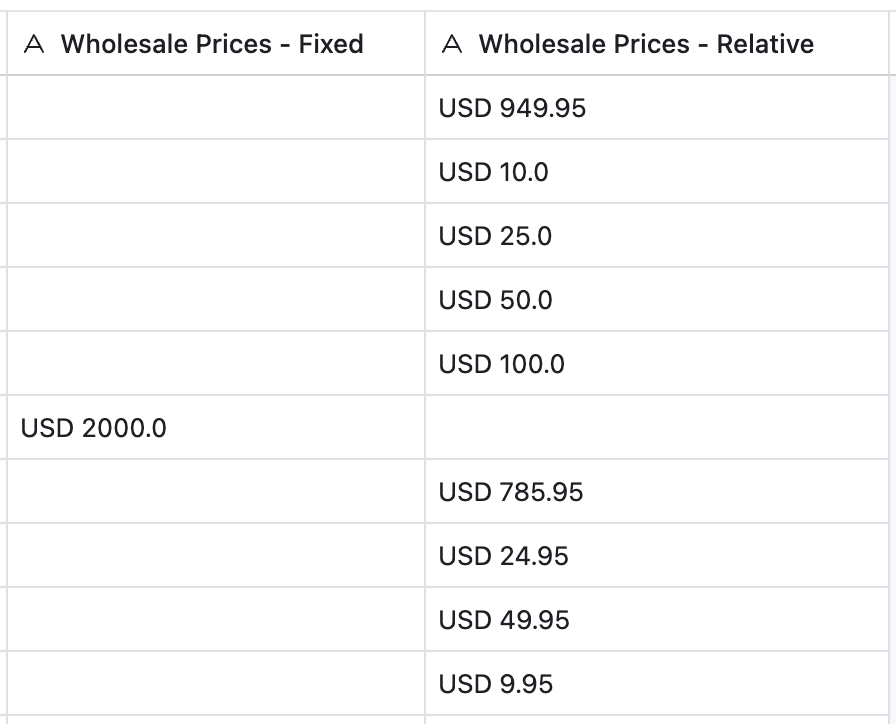
With your B2B price lists now in Airtable, you can:
None of the updates you make in Airtable go live in Shopify until you trigger an Airtable → Shopify sync.
To push B2B pricing updates back to Shopify:
To remove a B2B fixed price and return the variant to its default (relative) B2B pricing:
By mapping Shopify’s B2B price lists to Airtable, AirPower gives you a clean, scalable way to edit complex pricing structures. Use Airtable’s formulas, views, and filters to manage hundreds or thousands of SKUs — then push updates to Shopify in a single sync.