If your Shopify data is synced with Airtable then changing your product prices in bulk is a breeze. Here’s how.
With Shopify product prices are really stored with variants, not the products themselves. Even if your product does not have variants, e.g., sizes, Shopify always creates one variant by default. So, first things first you need to ensure that your AirPower sync configuration is set up to sync variant information between Shopify and Airtable.
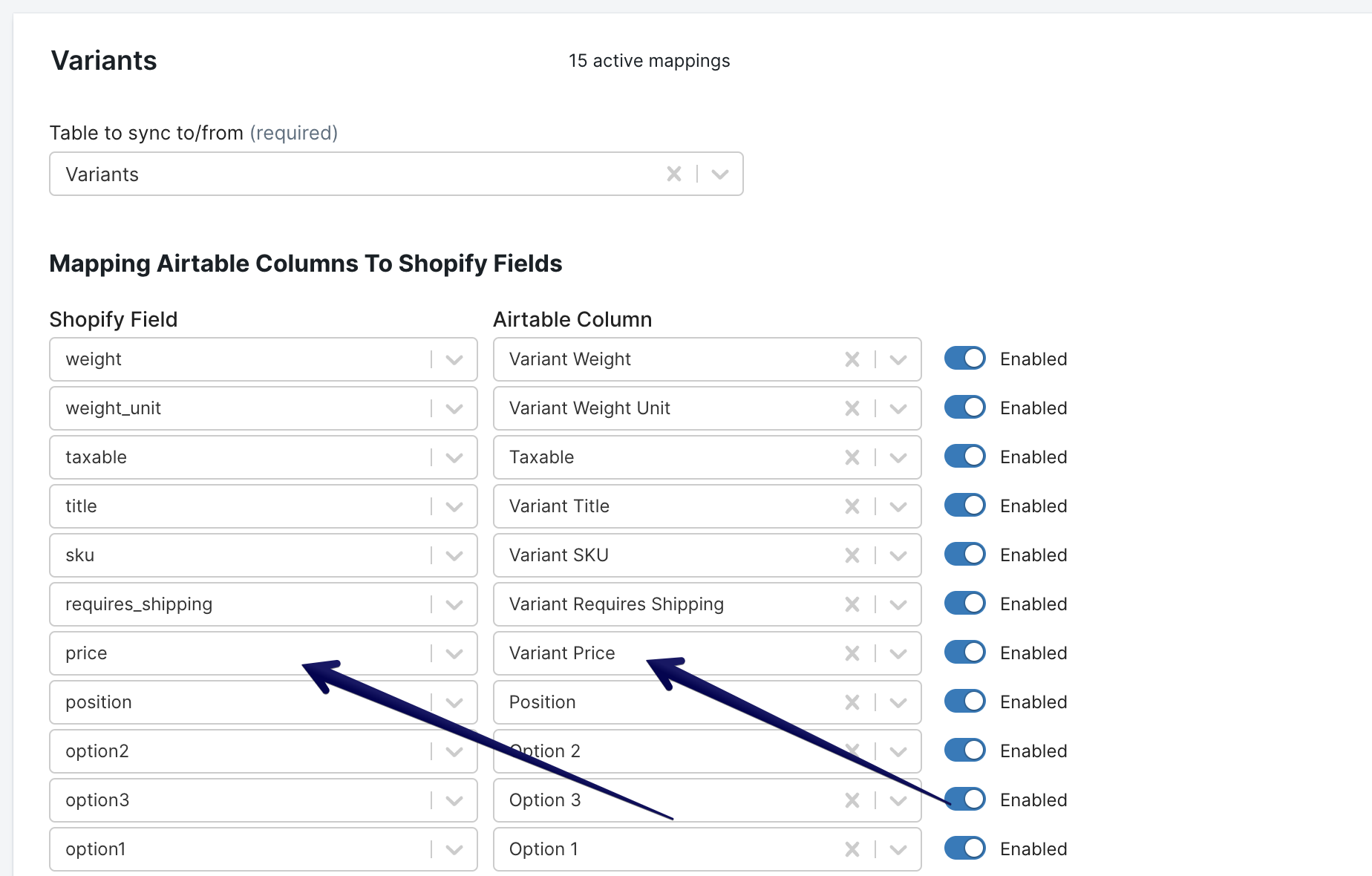
Whether you are syncing variant data to the same table that stores your products (your base is similar to our compact template), or your variant data lives in its own table (your base is similar to our expanded template ), map the variant price field in your Shopify → Airtable or Airtable → Shopify sync. Open the Variants section, map price to a column, then enable the mapping. Update the prices in Airtable, then run an Airtable-to-Shopify sync to push the changes to Shopify.