AirPower works with any existing Airtable base, but if you’re just starting out, we recommend using one of our template bases. When you copy a template and connect it, AirPower will automatically detect which template you’re using and suggest completing the entire setup for you — no manual configuration needed. We offer three templates:
You’ll see a template detection banner.
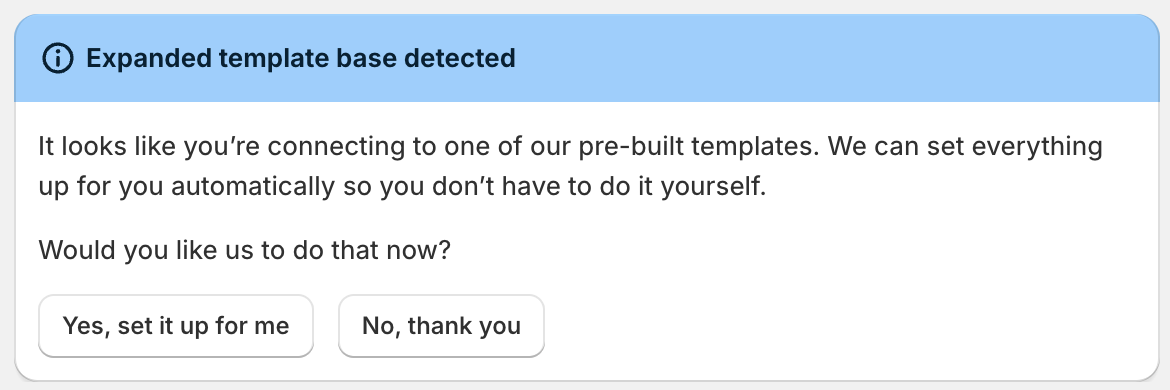
In the banner, choose one option:
Yes, set it up for me
Applies a default configuration for the template base.
No, thank you
Keeps the setup manual.
Use this base if you:
Get the expanded template here
Use this base if you:
Use this base if you’re primarily looking to use Airtable to enter wholesale draft orders.