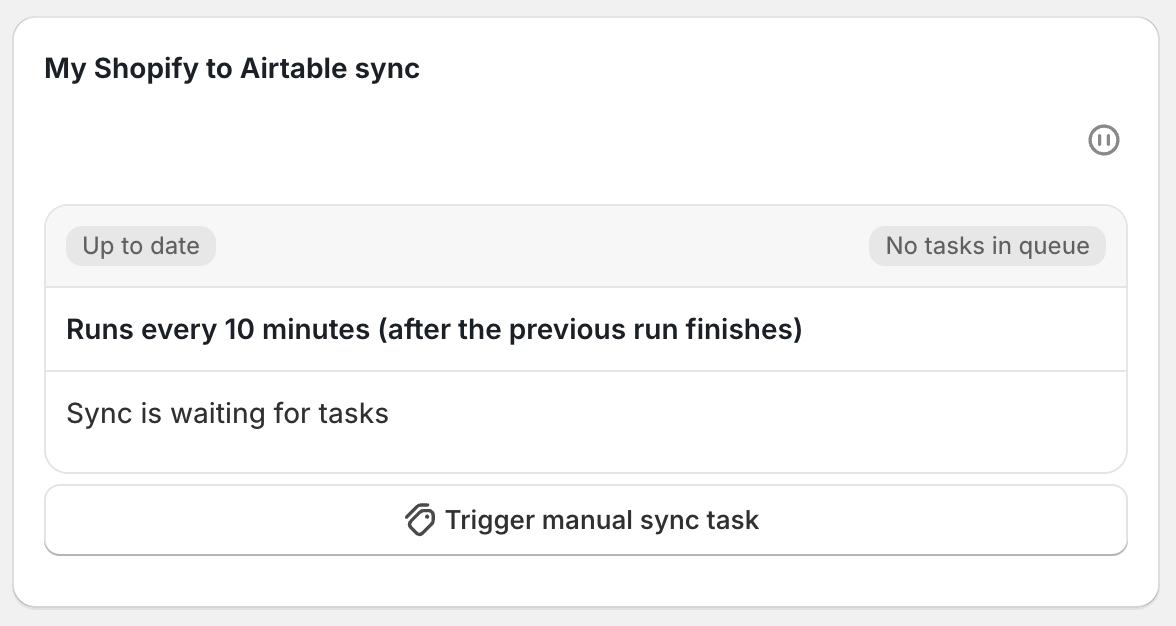
You can control how often your Shopify → Airtable sync processes tasks: immediately, periodically, or once per day.
Pick the option that fits your workflow:
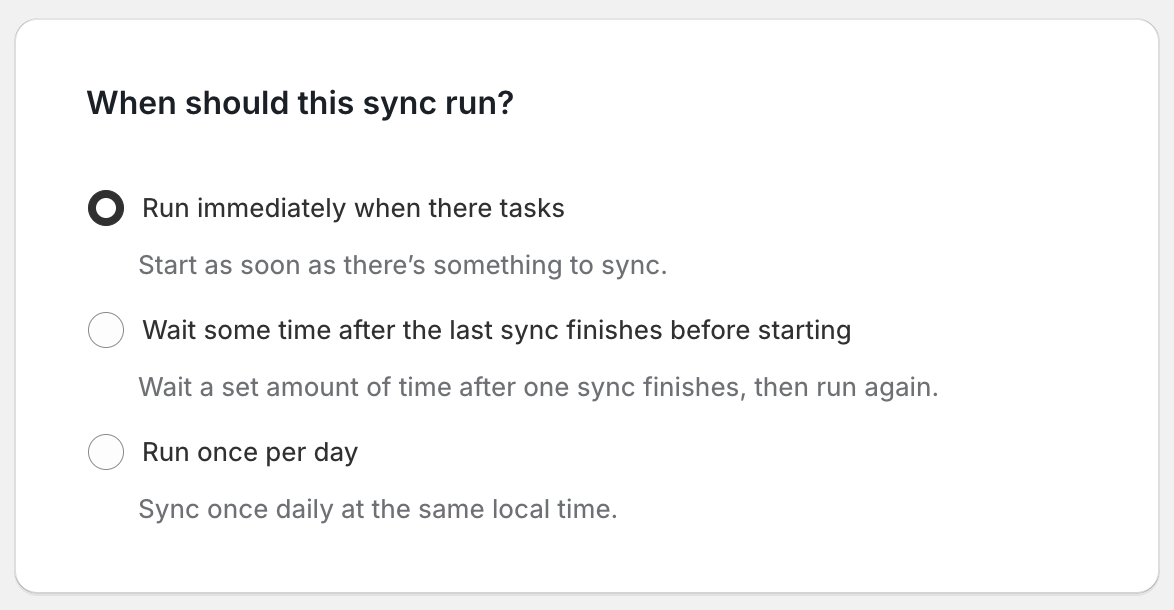
Run immediately when there are tasks
The sync runs as soon as tasks are queued. New tasks are processed right away instead of waiting for a scheduled run.
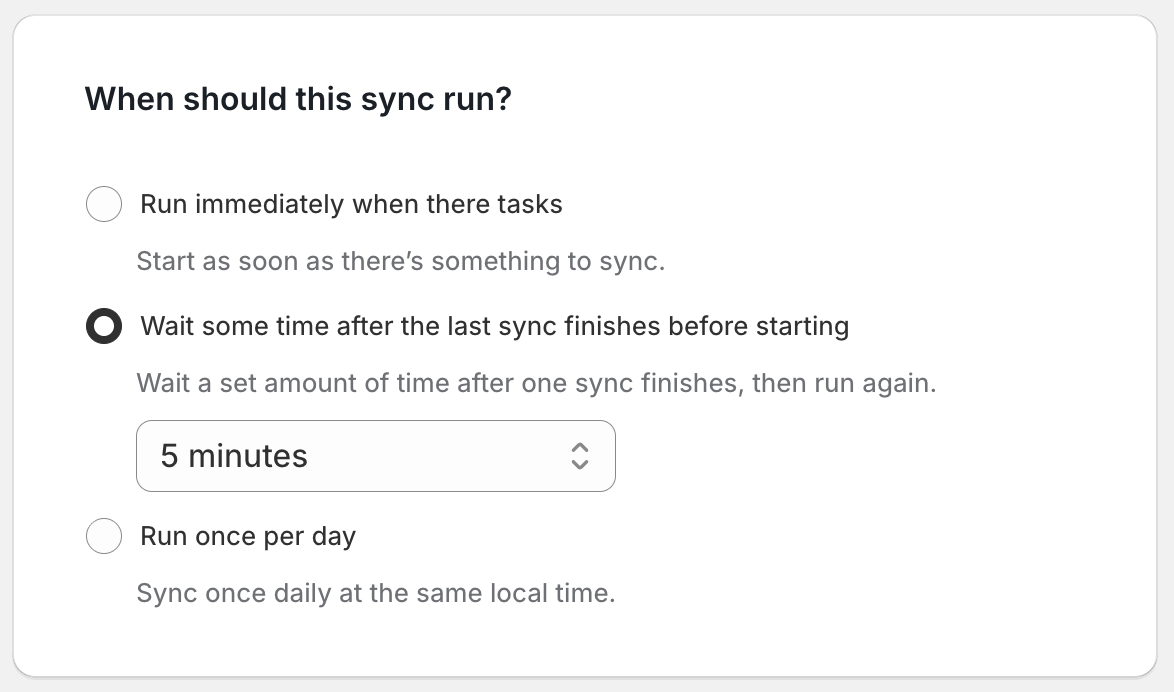
Wait some time after the last sync finishes before starting
Set a delay interval between runs. Tasks that come in during the wait stay queued and accumulate until the next run starts.
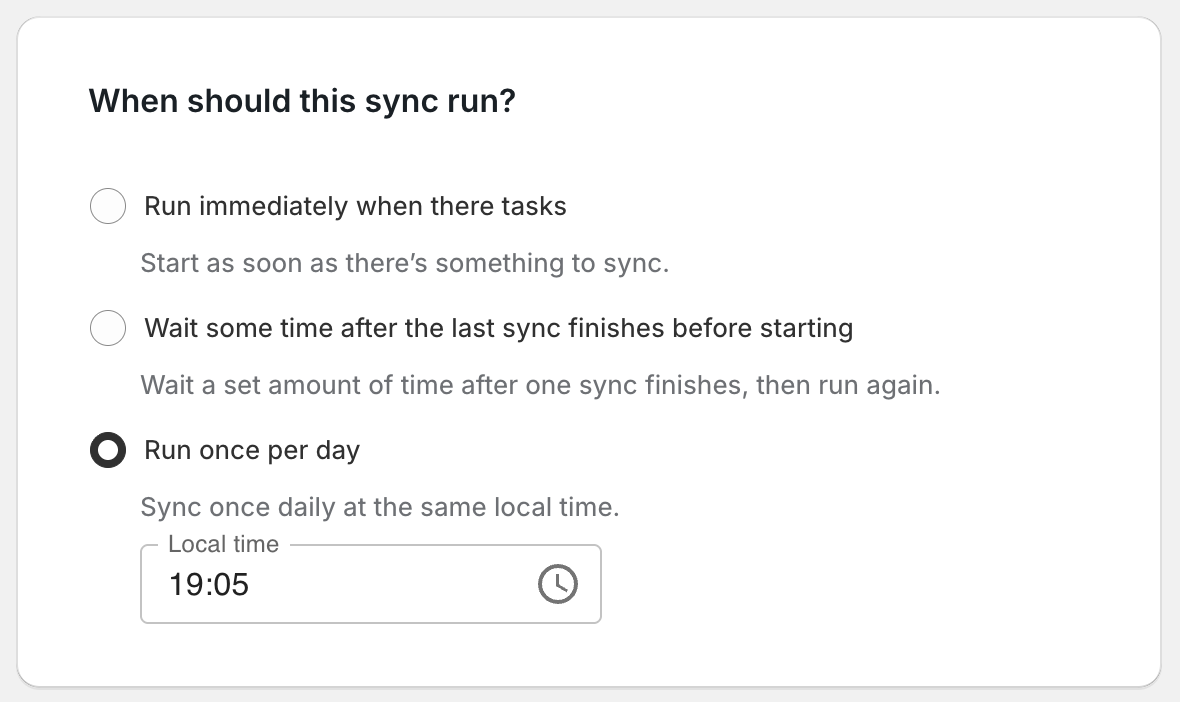
Run once per day
Set one local time each day for the sync to run. Tasks that come in before that time stay queued and accumulate until the daily run.
After making your selection, click Save Sync.
Once you’ve set a frequency, head back to your dashboard. On your sync card, you’ll see your schedule displayed along with the Next run time for scheduled syncs.